










Solutions
Explore how to grow
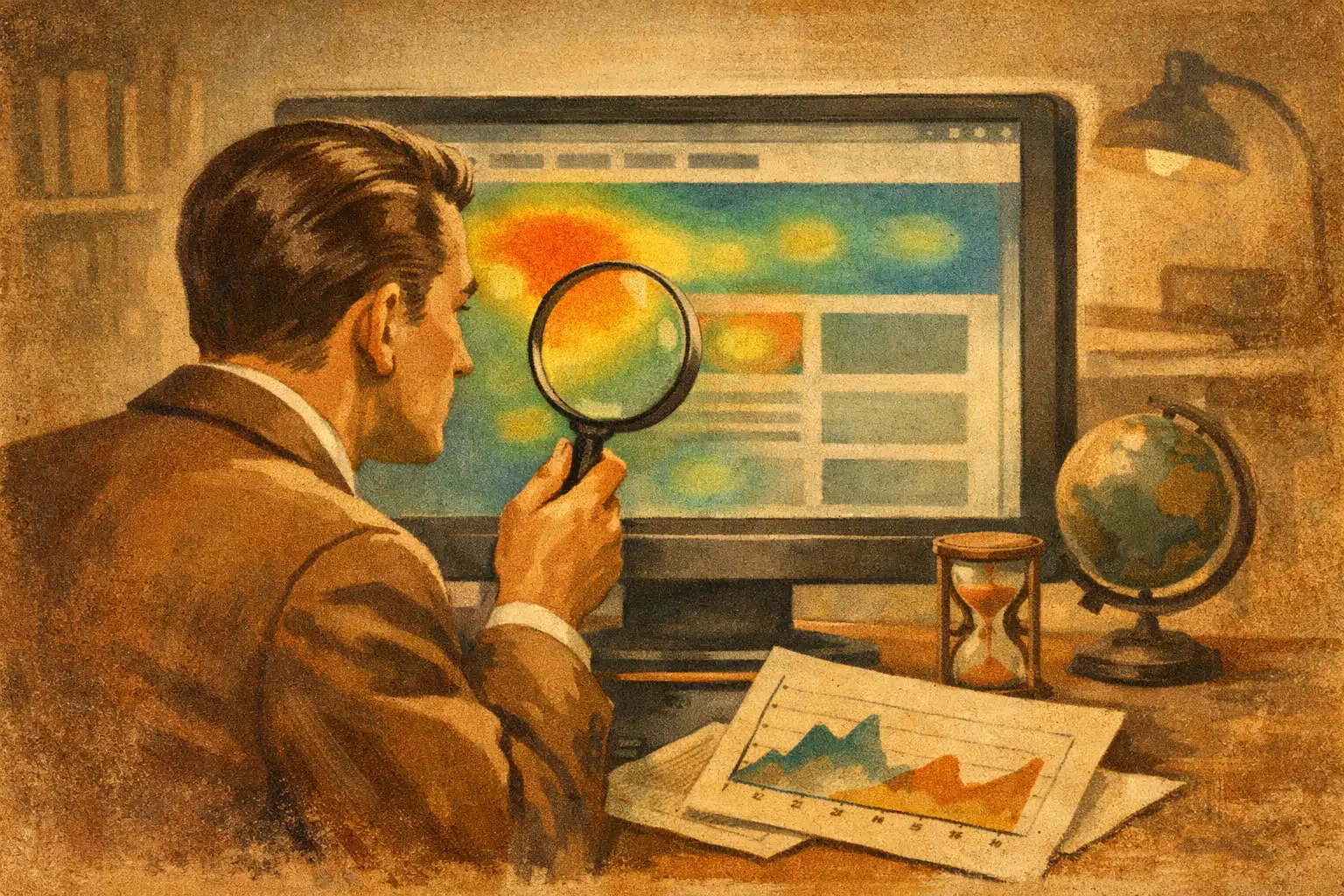
Your team reviews metrics, traffic comes in, and yet sales don't take off. At that point, looking only at sessions, bounce or time on page is no longer enough. What's missing is seeing how people behave inside the site. That's where a website heatmap stops being a visual curiosity and becomes a direct tool for improving conversion.
Need help with this? Check out our digital marketing service.
It's not just useful for “seeing where people click.” Used well, it lets you detect friction, hierarchy errors, invisible calls to action and content nobody consumes. Used poorly, it leads to quick conclusions and unnecessary redesigns. The difference lies in how it's interpreted.
A heatmap is a visualization of user behaviour on a page. It groups real interactions and displays them by colour intensity. The most active zones concentrate clicks, scroll, movement or attention. The cold zones indicate disinterest, low visibility or little use.
For a company that already invests in SEO, campaigns or content, this matters for a simple reason: the problem isn't always the traffic. Often the problem is in how that traffic meets the offer. A site can receive qualified visits and lose sales due to a confusing structure, a weak value proposition or an experience that forces the user to think too much.
In CRO, that's key. Because when you identify friction with visual evidence, improvements stop depending on internal opinions. They turn into decisions based on real ground.
Not all of them show the same thing, and that nuance completely changes the analysis. The click map lets you see where users interact. It's useful for detecting ignored buttons, elements that look clickable without being so, or secondary links that compete with the main action.
The scroll map shows how far down the page most people get. It's especially useful on long landing pages, service pages and product pages. If the strong commercial proposition is too far down and most people leave before that, you already have a clear hypothesis.
The movement map can offer signals of attention, although it has to be read carefully. On desktop it tends to be more useful than on mobile, and it doesn't always equal real intent. It works as support, not as final proof.
There are also maps by segment, device or traffic source. That layer is usually the most valuable. A new user from Google doesn't behave the same as someone arriving from a remarketing campaign. A visit from a computer doesn't behave the same as one from a phone either.
The heatmap isn't only for large ecommerce sites or sites with thousands of visits a day. It also generates value in service businesses, SaaS, marketplaces and corporate sites with a commercial focus.
In ecommerce it helps answer concrete questions. If users click the image but not the buy button, there may be a hierarchy problem. If they reach the product page and don't scroll down to see shipping, returns or payment methods, maybe trust signals are poorly placed. If they interact a lot with filters but don't move forward, navigation may be adding friction.
In services, the pattern changes. Often the problem isn't a lack of interest, but an excess of noise. Long forms, institutional blocks before the main benefit, barely visible testimonials or calls to action that appear too late. A good heatmap lets you see whether the visitor quickly understands what the company does and what they should do next.
On campaign landing pages, the value is even more direct. If you pay for every click, any loss of attention costs money. Here the heatmap helps validate whether the ad's promise holds up on the page, whether the user finds what they expected and whether the main CTA really concentrates the interaction.
The most common mistake is looking at colours without context. A zone looking “hot” doesn't necessarily mean it's working well. It can indicate interest, but also confusion. A high cluster of clicks on text with no link isn't a good sign. It shows an unmet expectation.
Another frequent mistake is analyzing a page with very little volume. If the sample is low, any pattern can be anecdotal. Before drawing conclusions, it's worth making sure you have enough data and checking whether the traffic is comparable across periods, channels and devices.
You also have to avoid isolated decisions. The heatmap works best when cross-referenced with other sources: session recordings, conversion rate by page, GA4 events, abandoned forms, loading speed and A/B testing results. A heatmap suggests hypotheses. Optimization validates which ones really improve the business.
There are patterns that repeat a lot on sites with weak commercial performance. One of them is scattered clicks. When attention is spread across too many elements, there's usually a lack of clarity in the main action. Another pattern is early scroll abandonment, which usually reveals an unconvincing value proposition in the first view.
The “frustration click” also appears a lot. Users who press the same element several times, try to interact with static images or go up and down with no clear direction. That isn't always due to the visual design. Sometimes it's a mix of slow loading, ambiguous content and poorly resolved architecture.
On mobile, there are also very concrete signals. Buttons too far down, long blocks before the CTA, menus that cover content or forms that are hard to complete. If more than 70% of traffic comes from a phone, desktop analysis can become secondary. That priority completely changes the roadmap.
The right question isn't “what do people see?” but “what's stopping them from moving forward?” From there, the analysis becomes actionable.
First, it's worth choosing pages with direct commercial impact: the home page if it concentrates relevant traffic entry, landing pages, service pages, category, product and checkout. Not all at once. The strategic move is to start where an improvement can move sales faster.
Then, you have to observe three things. Whether the main proposition is understood quickly, whether the visual hierarchy leads to the right action and whether there are obvious friction points. When one of those elements fails, conversion usually drops.
With that you can already raise concrete hypotheses. Move the CTA higher up, reduce distractions, reorder trust blocks, simplify forms, give more visibility to shipping or reinforce value messages. The important thing is not to change ten things at once. If everything changes, you don't know what produced the result.
Here's a key point. A heatmap doesn't fix a weak offer, a poorly positioned product or a confusing value proposition. Nor does it make up for a slow site or an architecture that doesn't support the buying process. It's a very useful tool, but it works best when integrated within a broader CRO perspective.
That involves understanding search intent, consistency between channel and landing page, speed, UX, trust, commercial copy and measurement. If the site doesn't have events properly configured, or if no one defined what a valuable conversion means, the analysis loses depth.
That's why companies that get real results with optimization don't stop at the visual finding. They turn it into prioritization, experimentation and continuous improvement. That step is what separates an interesting diagnosis from measurable growth.
If your site already has traffic and conversion is below expectations, it's worth it. If you're redesigning a key page, it is too. And if the team debates UX decisions based on internal perception, you're probably already behind.
You don't need to wait for massive volume to get learnings. You do need to have a clear business question. For example: why a landing page with a good CTR doesn't generate leads, why a product page receives visits but doesn't add to cart, or why a form is abandoned so much. When the question is concrete, the heatmap stops being decorative and becomes a source of decisions.
In optimization projects, that visibility usually speeds up the work a lot. It lets you quickly see where the friction is and focus resources where there's the most impact. Instead of redesigning everything, you improve what's really holding results back. That approach is usually more profitable and quite a bit faster.
If your goal is to sell more with the same traffic, the website heatmap isn't an analytical luxury. It's a practical way to see what your metrics don't explain on their own. And when that behaviour is interpreted with commercial judgment, concrete opportunities to grow appear. If you want to convert better, start by looking at how your users actually navigate. That's usually where the answer is.
Related article: Web design to genuinely sell more.
A visualization of where users click, move and how far they scroll, to understand their real behaviour.
To detect friction, ignored elements or sections that aren't seen, and thus optimize conversion with data.
Yes: heatmaps, along with funnels and A/B tests, are key CRO tools.